Plugins › Plugins
Introduction
Content
Using content
Plugins
Recipes
Plugins
What you'll learn
How to use plugins, and how to write your own with fields, REST endpoints and admin components.
Before this page: Configuration, Hooks.
A plugin is a function that receives your config and returns a new one. It can add fields, collections, hooks, REST endpoints and admin components.
import { seoPlugin } from '@easy-cms/plugin-seo'

export default defineConfig({
  // …
  plugins: [seoPlugin({ collections: ['posts'] })],
})
Plugins run in order, before the config is validated, so a plugin's mistakes are reported like your own.
Official plugins
| Package | |
|---|---|
@easy-cms/plugin-seo | Meta title, description and share image, with length meters, a search preview and Generate buttons in the admin, and page metadata for Nuxt and Next.js. |
@easy-cms/plugin-mcp | An MCP server, so AI assistants (Claude, Cursor, VS Code) read and write content with an API key. |
Plugins from others are named easy-cms-plugin-* and have the npm keyword easy-cms-plugin.
Writing a plugin
Take options, return (config) => config, and add to what is there instead of replacing it:
import type { Field, Plugin } from '@easy-cms/core'

const minutes = (text: unknown) => Math.ceil(String(text ?? '').split(/\s+/).length / 200)

export function readingTime(options: { collections: string[] }): Plugin {
  const field: Field = { name: 'readingTime', type: 'number', position: 'sidebar' }
  return (config) => ({
    ...config,
    collections: config.collections?.map((c) =>
      options.collections.includes(c.slug)
        ? {
            ...c,
            fields: [...c.fields, field],
            hooks: {
              ...c.hooks,
              beforeChange: [
                ...(c.hooks?.beforeChange ?? []),
                ({ data }) => ({ ...data, readingTime: minutes(data.excerpt) }),
              ],
            },
          }
        : c,
    ),
  })
}
Throw an Error for wrong options (an unknown slug, a field name that is taken): it stops
startup with your message.
Naming your plugin
Give definePlugin your package's name and version, and admins see them on the dashboard
(System), which helps when someone reports a problem:
import { definePlugin } from '@easy-cms/core'
import pkg from '../package.json' with { type: 'json' }

export const readingTime = (options: { collections: string[] }) =>
  definePlugin((config) => ({ /* … */ ...config }), { name: pkg.name, version: pkg.version })
Plugins without a name are counted there as "without a name". The official plugins name themselves.
Typing your plugin
Document types are inferred from the config, and a plain Plugin is invisible to them:
post.readingTime wouldn't exist for TypeScript. definePlugin tells the types what the plugin
adds, written like config fields. A const type parameter keeps the collection names the user
passes:
import { definePlugin } from '@easy-cms/core'

type ReadingTimeField = { readonly name: 'readingTime'; readonly type: 'number' }

export function readingTime<const S extends string>(options: { collections: readonly S[] }) {
  return definePlugin<{ fields: { [K in S]: readonly [ReadingTimeField] } }>((config) => ({
    // … as above
  }))
}

// readingTime({ collections: ['posts'] }) → `post.readingTime: number | null | undefined`
definePlugin<T> returns the plugin unchanged; T has up to three parts:
fields | Fields added to collections, by slug. |
globalFields | Fields added to globals, by slug. |
collections | Whole collections the plugin adds, e.g. [{ readonly slug: 'redirects'; readonly fields: readonly [...] }]. |
The official plugins do the same, so post.meta (SEO), page.path and page.breadcrumbs
(nested pages) and the redirects and forms collections are typed. When the options aren't
literals (a string[] variable), the plugin's fields are left out rather than added everywhere.
If your package also has code for browsers (like seoMeta), keep core out of it: instead of
importing definePlugin, write the type only, return plugin as TypedPlugin<…>.
Endpoints
endpoints adds routes to the REST API, under routes.api (/api/cms):
import { UnauthorizedError } from '@easy-cms/core'

// in the config, or added by a plugin
endpoints: [
  {
    path: '/stats/:collection',
    method: 'get',
    handler: async ({ params, user, cms }) => {
      if (!user) throw new UnauthorizedError()
      const totalDocs = await cms.count(params.collection, { user, overrideAccess: false })
      return { totalDocs }
    },
  },
],
The handler receives:
request, url | The Web Request and its URL. |
params | Values of :name segments. |
user | The logged-in user (session cookie or Bearer token), or null. |
cms | The Local API. Pass { user, overrideAccess: false } to apply the user's access rules. |
json() | The JSON body; it must be an object of at most 1 MB. |
Return a value to send it as JSON, or a Response for anything else. Throw UnauthorizedError,
ForbiddenError, NotFoundError or ValidationError from @easy-cms/core for error responses in the
API's format.
- Writes from the browser pass the same CSRF check as the built-in API.
- The first segment can't be a collection slug or
users,globals,admin,jobs,media. Start with your plugin's name:/seo/generate. - A fixed segment wins over a parameter:
/stats/summarybefore/stats/:collection. - A path with the wrong method gets
405with anAllowheader. root: trueserves the path from the site's root instead, e.g./robots.txt. Only the standalone server serves these: a Nuxt or Next.js app owns its root, so a plugin with a root endpoint should also offer a helper for the app's own route (as the SEO plugin does). Root paths can't be underroutes.api, the admin or/healthz.
Admin components
The admin is a prebuilt app, so plugins extend it with Web Components: custom elements the admin creates and passes the edit page's state to. They work with any framework (or none) and keep working when the admin's own code changes.
Use them in fields and edit pages:
fields: [
  // Instead of the input; the admin keeps the label and error messages.
  { name: 'color', type: 'text', admin: { component: 'ecms-color-picker' } },
  // Below the field.
  { name: 'summary', type: 'textarea', admin: { after: [{ tag: 'ecms-word-count', props: { max: 80 } }] } },
],
// Panels in the edit page's side column (collections and globals).
admin: { sidebar: ['ecms-checklist'] },
A component is a tag name starting with ecms-, or { tag, props }. props must be plain JSON;
the element receives them as options.
Pages and dashboard panels
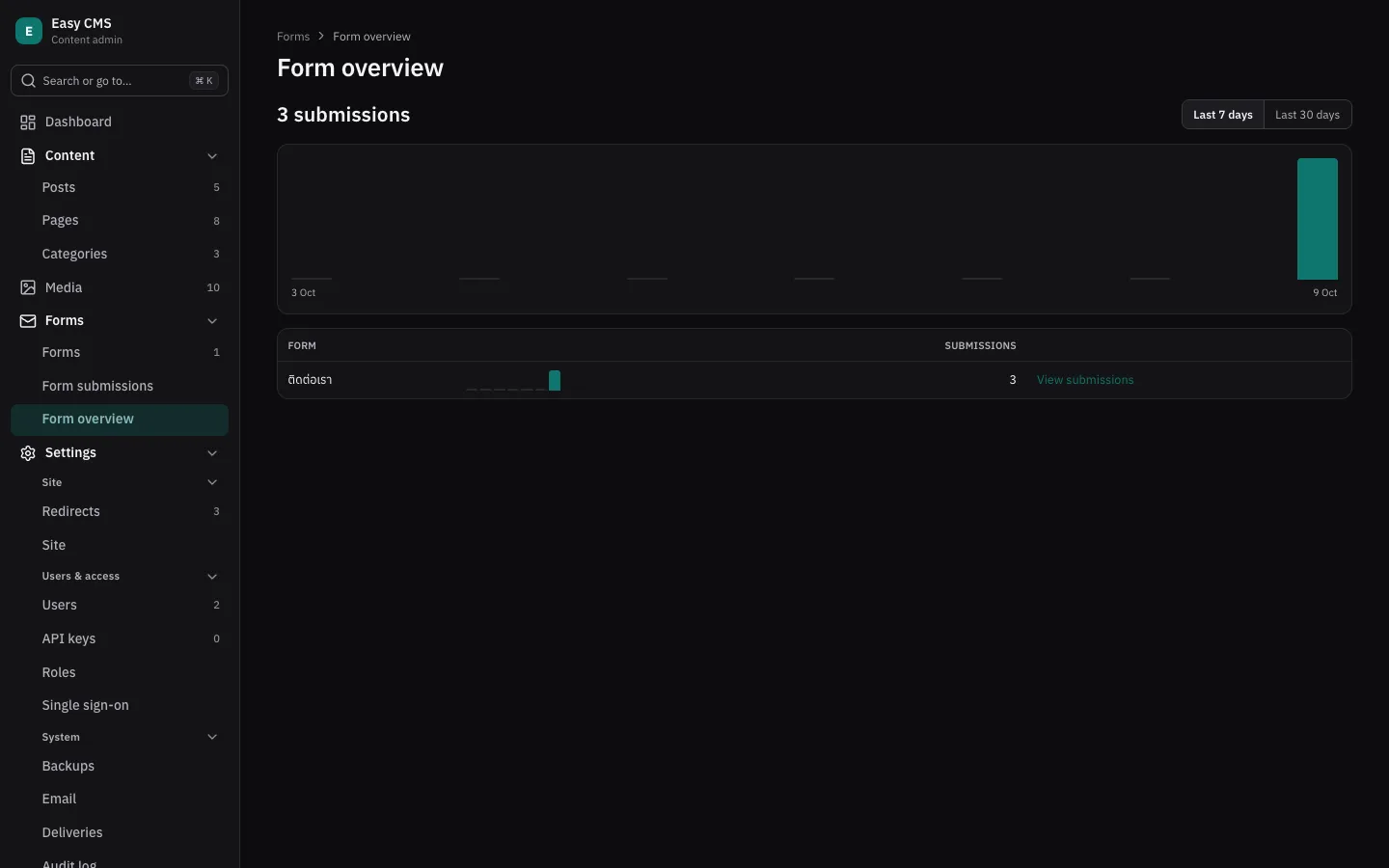
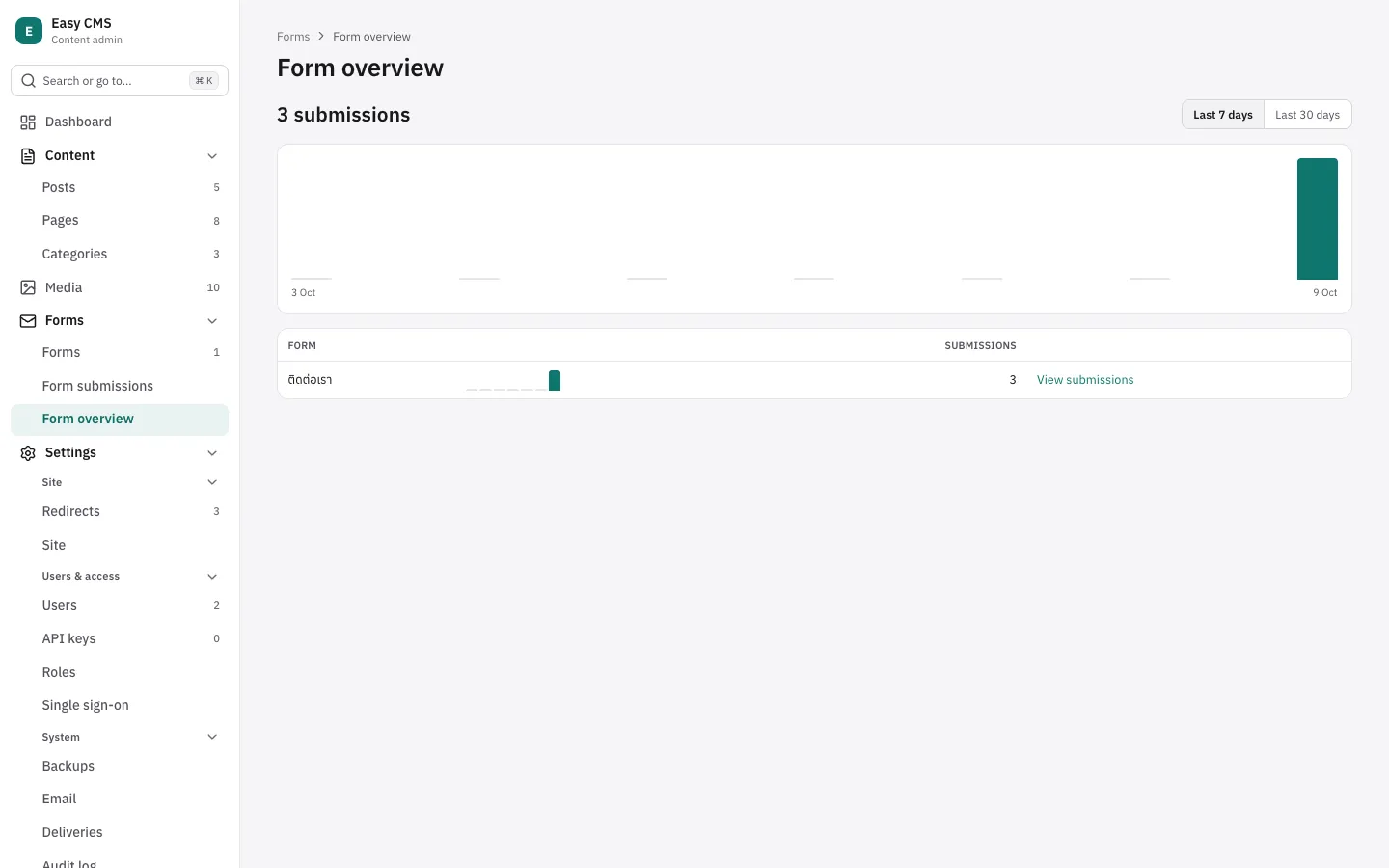
A plugin can also have pages of its own and panels on the dashboard, e.g. a report:
admin: {
  pages: [
    {
      path: 'site-stats',                         // /admin/p/site-stats
      label: { en: 'Site stats', th: 'สถิติเว็บไซต์' },
      icon: 'chart-column',
      component: 'ecms-site-stats',
      group: 'content',                           // or 'settings', or false: not in the menu
      access: ({ user }) => user.role === 'admin', // default: every logged-in user
    },
  ],
  dashboard: [
    { component: 'ecms-visits-widget', width: 'half' }, // the side column; 'full': below
  ],
},- The admin draws a page's header (its
labelas the title, also in the browser tab); the element draws the rest. Dashboard panels follow the built-in ones in config order:half(the default) in the side column, beside drafts to review and recent edits;fullbelow both columns. On phones everything is one column. accessis checked on the server: pages and panels a user may not see are left out of their admin. It only hides them: check access again in the endpoints that give them data.- Page paths are lowercase letters, digits and
-, and unique. - A page gets
route: what follows its path (/admin/p/site-stats/2026→subpath: '2026') and the query. To change them, or to open another admin page, sendnavigate:this.dispatchEvent(new CustomEvent('navigate', { detail: '/p/site-stats?range=30' })). Keep state such as tabs or a date range in the address, so it survives a reload and can be shared.
The module
Put the elements in one self-contained ES module (no imports) and list it in admin.modules, by
package export or by path from the project root:
admin: { modules: ['./admin/color-picker.js'] }            // your own
admin: { modules: ['@acme/easy-cms-plugin-color/admin'] }  // from a package
A plugin adds its module itself:
admin: { ...config.admin, modules: [...(config.admin?.modules ?? []), '@acme/easy-cms-plugin-color/admin'] }.
The server finds the file (a package export needs the default condition) and serves it to
logged-in users at <api>/admin/modules/<n>.js; the admin imports every module after login.
URLs of other sites are not allowed. If a module fails to load, the admin works without it and
shows which component is missing.
// admin/color-picker.js
class ColorPicker extends HTMLElement {
  #input = document.createElement('input')

  constructor() {
    super()
    this.#input.type = 'color'
    // `change` with the new value as `detail` sets the field.
    this.#input.addEventListener('input', () =>
      this.dispatchEvent(new CustomEvent('change', { detail: this.#input.value })),
    )
    this.attachShadow({ mode: 'open' }).append(this.#input)
  }

  set value(value) {
    this.#input.value = value ?? '#000000'
  }

  set readOnly(readOnly) {
    this.#input.disabled = readOnly
  }
}
customElements.define('ecms-color-picker', ColorPicker)
What the element receives
The admin sets these properties, and sets them again whenever the form changes:
| Property | |
|---|---|
apiVersion | 1. Raised only for changes that break components. |
value | The field's value (field components). |
path | The field's path, e.g. meta.title (field components). |
field | The field as the admin sees it: name, type, label, maxLength… |
label | The field's label in the admin's language. |
doc | The whole form as edited, not saved yet (a copy). |
collection / global | Slug of what is being edited. |
id | The document's id; null while creating one. |
locale | The content locale being edited, or null without localization. |
uiLocale | The admin's language: en or th. |
readOnly | The user may not change it. |
options | The component's props. |
api(method, path, body?) | Calls the REST API as the logged-in user (cookies and CSRF included), e.g. your plugin's endpoint. |
user | The logged-in user: id, email, role. |
route | On a page: { subpath, query } after its path. Otherwise undefined. |
And listens for these events:
| Event | detail | |
|---|---|---|
change | the new value | Sets the field (field components). |
set-field | { path, value } | Sets any field of the form, e.g. meta.title from a Generate button. |
navigate | a path in the admin | Opens it, e.g. /collections/posts or /p/site-stats?range=30. |
Changes are not saved until the editor saves.
Styling
Styles inside a shadow root don't leak in or out, and CSS variables pass through, so use the
admin's to match its light and dark themes: --text, --text-muted, --surface, --surface-2,
--border, --border-strong, --brand, --accent-soft, --danger, --ok, --warning-text,
--info, --focus, --radius, --radius-sm.
Security and deployment
- Admin modules run with the rights of whoever is logged in. Install plugins you trust, as you would any dependency.
- The Nuxt module and
withEasyCMS()for Next.js include the module files in the server build (since 0.13.1 for Next.js), so they load on Vercel and in standalone output too.
Next steps
- Custom field types: add a
typewith its own input, e.g. for your plugin. - SEO: the SEO plugin.
- REST API: how endpoints fit the API.