Content › Users & auth
Introduction
Content
Using content
Plugins
Recipes
Users & auth
What you'll learn
Who can log in to the admin, how roles work, how to create users, and how sessions and tokens authenticate requests from browsers and other apps.
Before this page: Getting started.
The built-in users collection holds the people who use the admin: editors, authors,
developers. They are separate from any customers or members your site has; keep those in your
own collection or auth system.
The users collection
| Field | |
|---|---|
email | Unique; used to log in. Stored in lowercase. |
name | Shown in the admin (optional). |
role | One of auth.roles. Only admins can change it. |
active | Unticking it blocks logins and ends the user's sessions. Only admins can change it. |
password | Write-only: accepted on create and update, never returned. At least 8 characters. |
Add your own fields, access rules or hooks by declaring a users collection; they are merged
into the built-in one:
collections: [
  {
    slug: 'users',
    fields: [
      { name: 'phone', type: 'text' },
      { name: 'avatar', type: 'upload' },
    ],
  },
]
By default logged-in users can read users, admins create and delete them, and users can update
themselves (but not their own role or active).
Roles
auth: { roles: ['admin', 'editor', 'author'] } // default: ['admin', 'editor']admin must be one of them; admins can do everything, including managing users. The other
roles mean what your access rules say, for example:
{
  slug: 'posts',
  access: {
    read: () => true,
    // Authors create; editors and admins publish anything; authors change only their own posts.
    create: ({ user }) => !!user,
    update: ({ user }) =>
      user?.role === 'author' ? { author: { equals: user.id } } : !!user,
    delete: ({ user }) => user?.role === 'admin' || user?.role === 'editor',
  },
}
New users get editor when that role exists (otherwise the last role).
To let admins add roles and tick what each may do in the admin, without code, turn on
roles from the admin (auth: { rbac: true }). To sign in with Google, Microsoft, GitHub
or another OpenID Connect provider, see Single sign-on.
Easy CMS refuses changes that would leave no active admin (deleting, demoting or deactivating the last one), so nobody gets locked out.
Creating users
- The first admin: when there are no users, the admin shows a form to create one. From a
terminal or in CI, run
npx easy-cms create-admin(see CLI). - Everyone else: admins add users under Settings → Users in the admin, or in code:
await cms.create('users', { email: 'ann@example.com', password: 'at least 8 chars', role: 'editor' })Passwords are hashed with scrypt and never returned.
Forgotten passwords and invitations
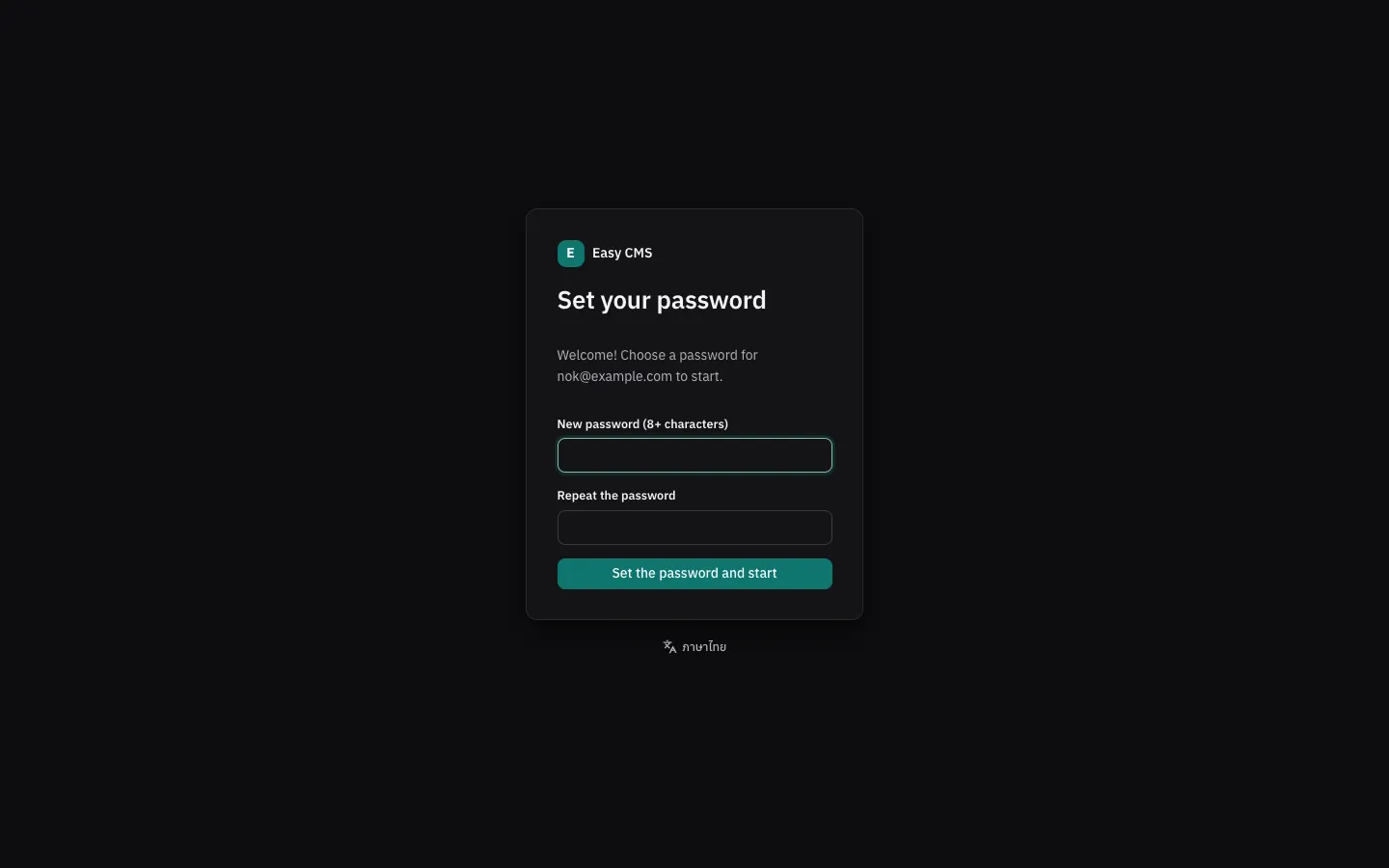
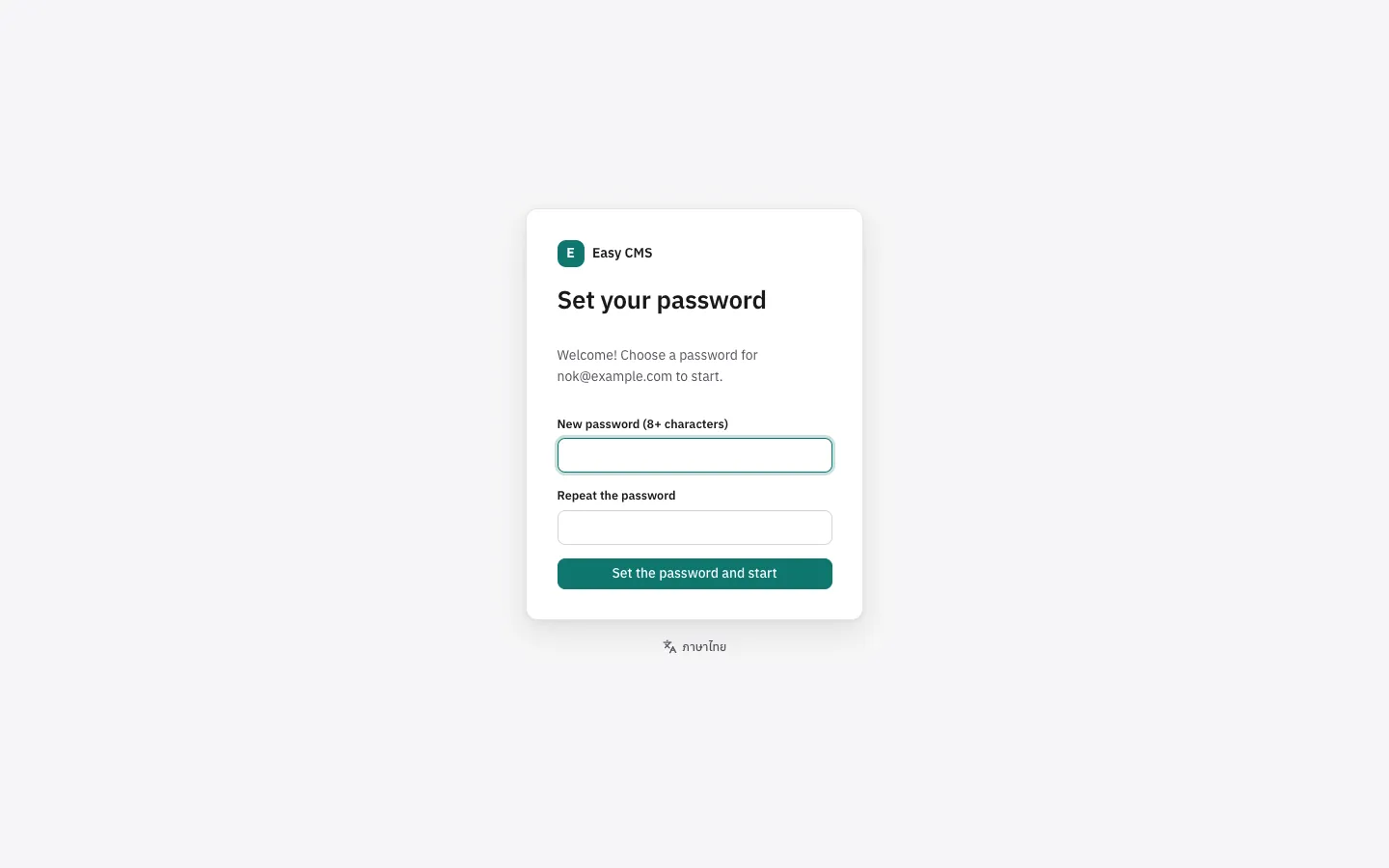
With email set up, the CMS sends links to set a password:
- Forgot your password? on the login page emails a link that works once, within an hour. The page answers the same whether or not the email has an account, so nobody can use it to find out who has one; a few requests per email and IP are allowed, more are ignored.
- Invitations: an admin creates a user and leaves the password empty. The user gets an email to choose a password (the link works for 7 days), so nobody else ever knows it.
- Email a link to set the password on a user's page sends an invitation, or a reset link if they have a password.
Setting the password signs the account out everywhere and in on this browser, and a reset is followed by a "your password was changed" email.
The link points to serverURL (e.g. https://cms.example.com), which production needs: a
request's Host can be forged, and a link built from it could send the token to someone else.
In development the request's own address is used. Without email, or in production without
serverURL, the admin doesn't offer the links: admins set passwords themselves.
export default defineConfig({
  serverURL: 'https://cms.example.com',
  email: smtp(),
  auth: {
    resetPasswordExpiration: 60 * 60, // seconds; default 1 hour
    inviteExpiration: 7 * 24 * 60 * 60, // default 7 days
    // Your own text; the defaults are in English or Thai (the admin's language).
    emails: {
      invite: ({ user, url }) => ({
        subject: 'Welcome to the Acme content team',
        text: `Hi ${user.name ?? user.email}, set your password here: ${url}`,
      }),
    },
  },
})
Over REST: POST /api/cms/users/forgot-password with { email }, then
POST /api/cms/users/reset-password with { token, password } (which logs in);
GET /api/cms/users/reset-password?token=… checks a link first. Admins send links with
POST /api/cms/users/:id/password-link. In code: cms.auth.requestPasswordReset({ email }) and
cms.auth.sendPasswordLink(userId).
Sessions
Logging in creates a session:
POST /api/cms/users/loginwith{ email, password }sets an HttpOnly session cookie (valid for 7 days,auth.tokenExpirationin seconds) and returns a CSRF token.- Browsers send the cookie on their own. Writes must also send the CSRF token in the
x-csrf-tokenheader (see REST API). POST /api/cms/users/logoutends it.
Logging out, changing the password or deactivating a user ends all of their sessions.
Tokens for other apps
Scripts and apps on other origins can send the session token instead of a cookie:
curl -s -X POST https://example.com/api/cms/users/login \
  -H 'content-type: application/json' \
  -d '{"email":"bot@example.com","password":"…"}' -c cookies.txt
# Use the ecms-session value from cookies.txt:
curl https://example.com/api/cms/posts?draft=true -H "Authorization: Bearer $TOKEN"
Requests with Authorization: Bearer need no CSRF token. For scripts and apps, prefer
API keys: they don't expire with a session and can be limited to what the app needs.
Login limits
After auth.maxLoginAttempts failures (5) within auth.lockWindow seconds (15 minutes) for an
email (and IP, when the adapter knows it), login answers 429. The lock lifts by itself.
The user in your pages
const user = await useEasyCMSUser(event) // Nuxt, in a server route
const user = await getEasyCMSUser(config) // Next.js, in a server component or route
Both return the logged-in admin user or null. Pass it to the Local API to apply that user's
access, for example to show editors drafts:
const { docs } = await cms.find('posts', { user, overrideAccess: false, draft: user !== null })Settings
| Option | Default | |
|---|---|---|
auth.roles | ['admin', 'editor'] | Roles a user can have. Must include admin. |
auth.tokenExpiration | 7 days | Session lifetime in seconds. |
auth.maxLoginAttempts | 5 | Failed logins allowed within lockWindow. |
auth.lockWindow | 15 minutes | In seconds. |
auth.trustedOrigins | [] | Other origins allowed to send cookie-authenticated requests. |
auth.resetPasswordExpiration | 1 hour | How long a "forgot password" link works, in seconds. |
auth.inviteExpiration | 7 days | How long an invitation link works, in seconds. |
auth.emails | — | { resetPassword, invite, passwordChanged }: your own email text. |
Next steps
- Access control: what each role may read and change.
- Security: what is protected, and a checklist for going live.