Publish on your schedule, and see it before anyone else does.
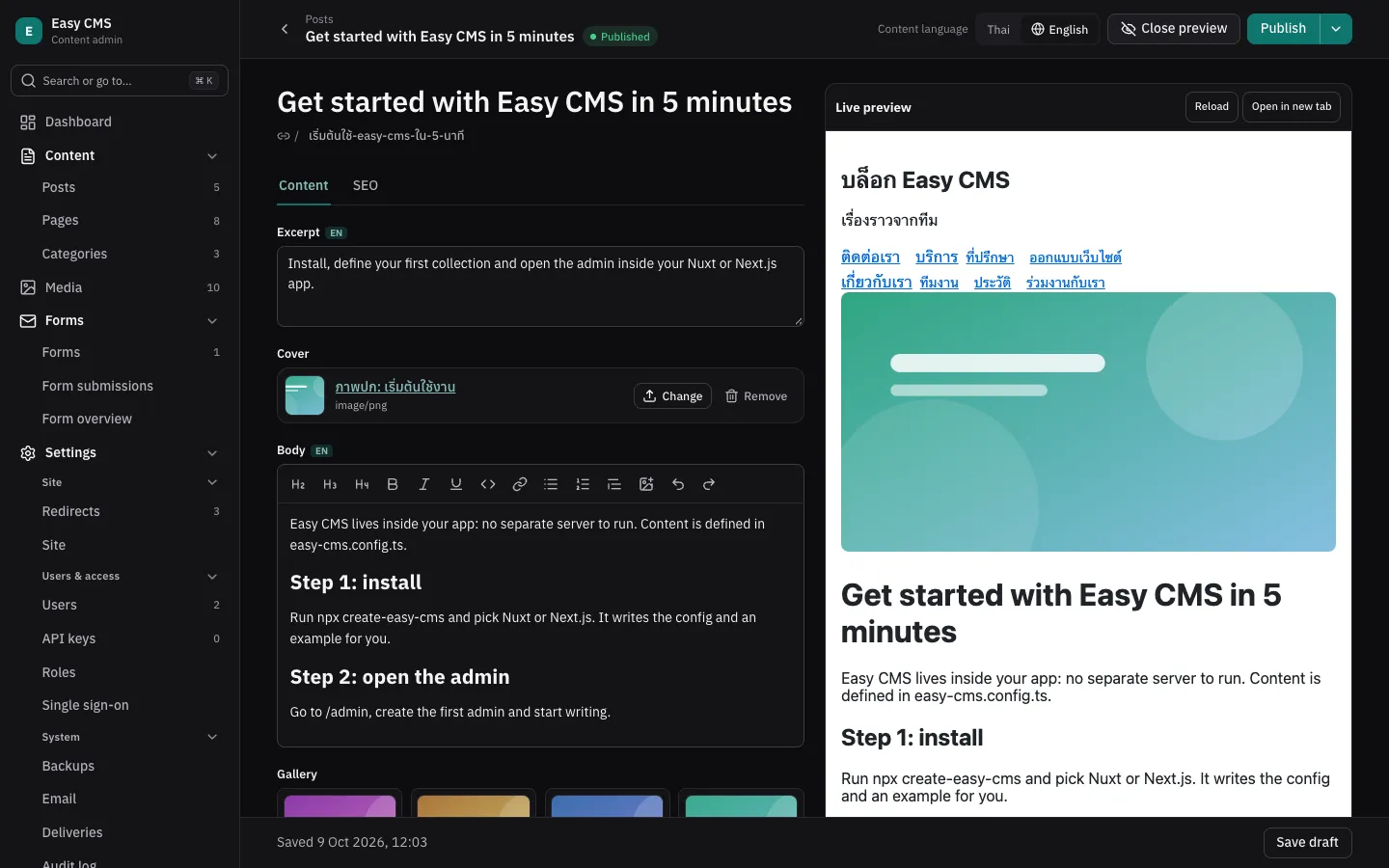
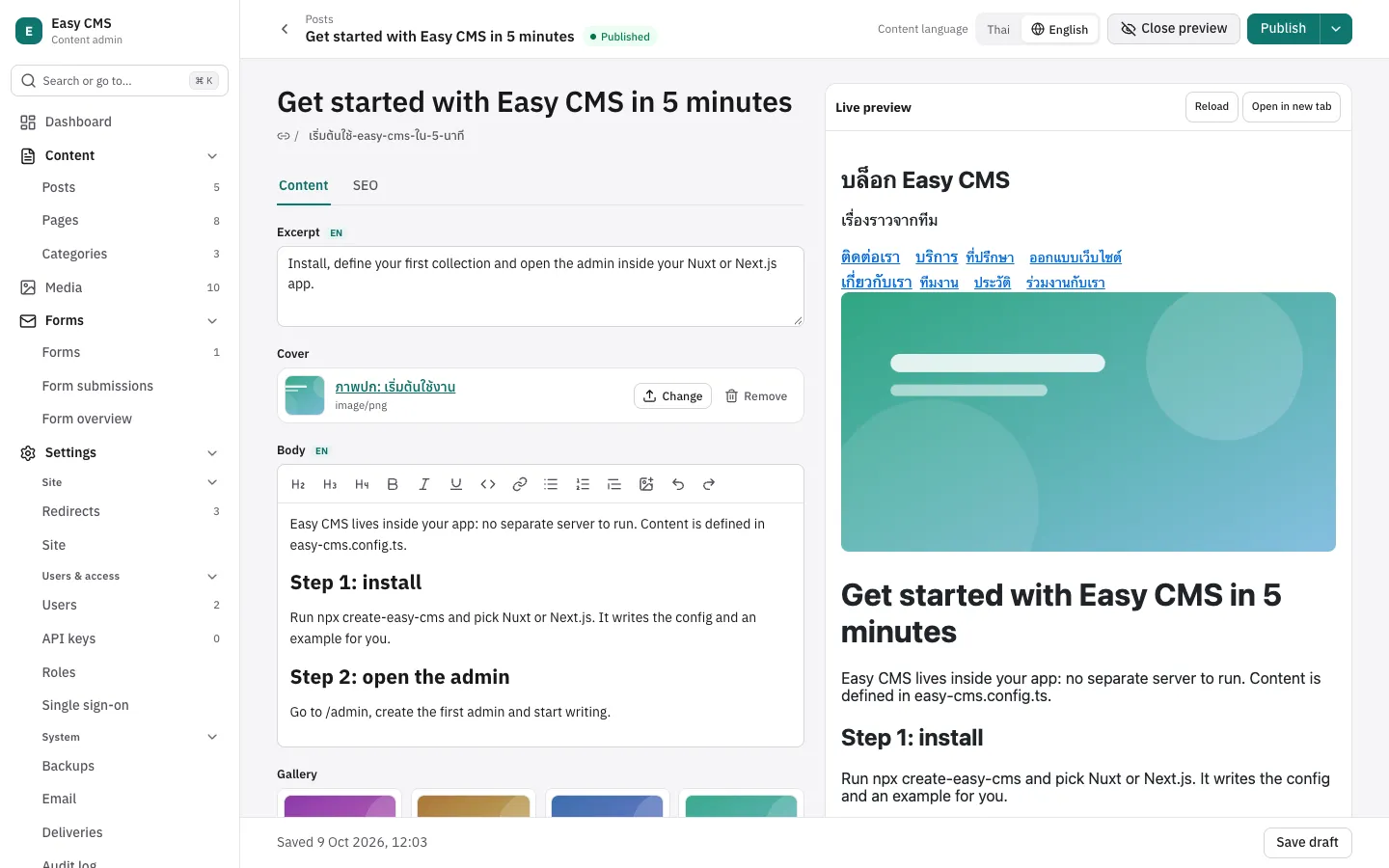
Your developers set up the content once. After that, your team writes, previews, translates and schedules on its own, in an admin that speaks Thai or English.
What slows a content team down
- Every change waits for a developer, a deploy or a time zone.
- Publishing blind: no way to see the page before it goes live.
- SEO titles and share images filled in somewhere else, or not at all.
- An admin in a language half the team doesn’t read comfortably.
How Easy CMS helps
Drafts, history and scheduling
Keep working on a draft while the live version stays up, restore any earlier version, and publish or unpublish at a set time.
Read the docsLive preview
See the real page next to the form, updated as you type, before anything is saved.
Read the docsSEO with a search preview
Title and description with length meters, a preview of the search result and share images, plus a sitemap and structured data.
Read the docsForms without a developer
Build contact and sign-up forms in the admin, collect submissions and get an email for each one.
Read the docsContent in several languages
Switch the language you’re editing; lists show which translations are still missing.
Read the docsAn admin in Thai or English
Every screen of the admin is translated. Each person picks their own language.
Read the docsWhen it isn’t a fit
- Your team wants to add new content types or fields without a developer: the content model is code.
- You want a hosted service to sign up for: Easy CMS is installed into a site by a developer.
- You need a large marketplace of ready-made integrations today.
Easy CMS is young: its first release was in September 2026 and its community is small. Every other product here has been in production longer, with more people answering questions.
Try it in your own app.
One command sets up a Next.js or Nuxt project with the admin, or deploy a starter to your own Vercel or Netlify.
npm create easy-cms@latest